
- Home
- Services
-
Threat Modeling »

Our customized threat modeling
identifies vulnerabilities within your
security posture that puts your
most valuable organizational and
client data — the crown
jewels — at risk. -
Security Audits & Assessments »

Our security audits and vulnerability
assessments are based on industry
standards and best practices to assess
weaknesses in your cloud environment
and network, as well as mobile
and web-based apps. -
Penetration Testing »

Our sophisticated testing services
delve into your network, smart
devices and other systems
to expose critical security
deficiencies.
-
- Process & Methodology
- Blog
- Careers
- About Us
- Contact
Passkeys for Business: Choosing the Right Implementation
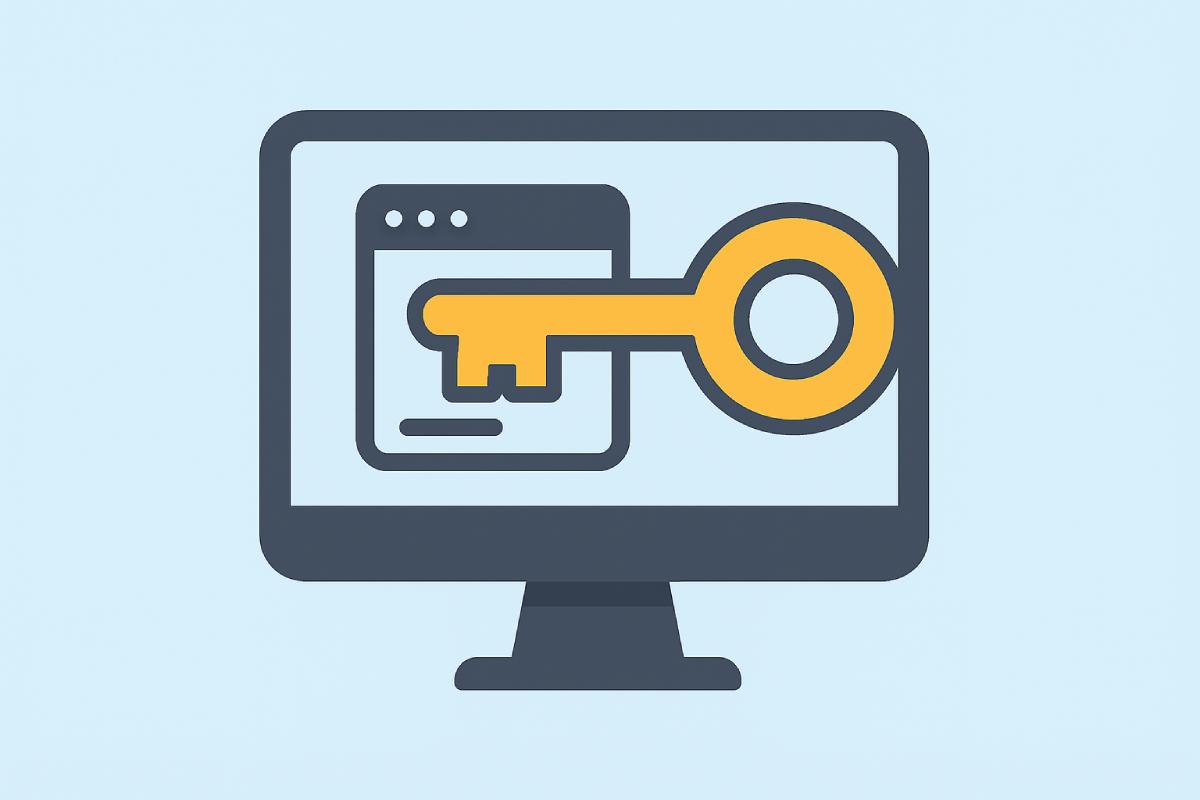
Moving on from Passwords
Standard passwords and login credentials are no longer providing adequate protection against basic cyber threats. With the rise of increasingly more advanced phishing techniques, login credentials are all too easily intercepted and collected.
Enter passkeys: a passwordless authentication approach that enhances both security and user experience while protecting against phishing attacks. In 2022, Apple, Google, and Microsoft announced support for FIDO Alliance passkey standards, removing the burden of strong password creation from users by leaning into utilizing public key cryptography for credential security.
What are Passkeys?
Passkeys are a passwordless authentication method that do not use the standard username/password format. Instead, they work using a pair of keys, one public and one private. The private key is generated by the user’s own device and requires a form of verification to confirm the user’s identity to use the key.
The verification can be biometric (e.g., fingerprint or facial recognition) or a device PIN. The public key, which is shared between the user and the service they are accessing, is useless without the private key.
Passkey authentication can be implemented in several ways, but the two approaches discussed here are roaming authenticators (hardware security keys) and platform authenticators (built into existing devices). Both methods utilize the same passwordless login for increased security and share a critical advantage: phishing resistance. Because authentication is cryptographically bound to the legitimate site, an attacker cannot trick you into authenticating to a fake lookalike domain.
Why Passkeys Matter: Phishing Protection
The core security advantage of passkeys becomes clear when comparing attack scenarios:
Traditional Password Attack: attacker creates fake login page → user enters credentials → attacker captures username/password → access gained
Passkey Protection: attacker creates fake login page → user attempts authentication → cryptographic domain binding fails → attack prevented
This cryptographic binding to the legitimate domain is what makes passkeys immune to phishing, regardless of how convincing the fake site appears. The private key will only work with the exact domain it was created for, making credential theft through fake login pages impossible.
Despite this shared benefit, there are countless debates on which method is best for organizational deployment. Let’s break down the flow of each method and note where potential weak points may be.
Passkey Implementation
Organizations implementing passkeys can choose between two main approaches: roaming authenticators (hardware security keys) and platform authenticators (built into existing devices). Each has distinct tradeoffs around security, cost, and user experience.
Roaming Authenticators (Hardware Security Keys)
Security keys are touted for being exceptionally secure as they generate and store private passkeys locally on the key itself, effectively eliminating the possibility of interception. Because the key is hardware-bound, meaning it is offline and not running software, the locally stored passkeys are not exposed to potential network or third-party service vulnerabilities. Their security is solely dependent on the device’s hardware.
The tradeoff here is reduced convenience. There is no connection to a cloud service and therefore, no syncing of passkeys across devices. Instead, the security key must be physically moved to be used to authenticate on another device.
User Behavior and Real-World Risks
While security keys clearly offer increased protection, their real-world effectiveness is still shaped by user behavior. Convenience, theft, and loss are the main human factors that influence realistic implementation.
Convenience creates risk as users often leave security keys plugged into devices they regularly authenticate from. Many keys simply require a tap to use their stored credentials which leaves a huge gap in security if an attacker were to gain physical access to such a device. To maintain security in this common scenario, a more robust security key that requires an additional layer of verification like a PIN or biometric, would be recommended.
Additionally, a key’s construction and design make it exceptionally difficult to extract data if stolen. But if lost or stolen, a user may be locked out of their accounts unless backup authentication methods have been enabled. This raises an important question: if alternative login options exist for an account, how valuable is a security key if an attacker can bypass it and gain account access through a less secure method of authentication?
Cost and Deployment Considerations
Robust keys needed to address vulnerabilities created by common user behavior are expensive and this cost can be a real barrier to implementation. While purchasing keys for a small group of users may be manageable, lack of device synchronization often requires users to carry keys between devices, increasing the risk of loss or theft. At a larger scale, both the initial investment and the need to replace lost or stolen keys can quickly become prohibitively expensive.
Roaming Authenticator Tradeoffs
To summarize the key considerations when evaluating roaming authenticators:
- Cost: Robust keys with PIN or biometric verification are more expensive
- No syncing: Each key must be physically transported between devices
- Loss risk: Without backup authentication methods, a lost key means locked accounts
- User behavior: Convenience habits (leaving keys plugged in) can undermine security gains
Platform Authenticators
For organizations looking to deploy passkeys without significant hardware investment, platform authenticators offer a practical path forward. These are passkey-capable systems built into devices your employees likely already use—smartphones with passkey provider apps like Microsoft Authenticator, Bitwarden, or 1Password, and laptops with Windows Hello or Touch ID. Because they leverage existing hardware, there’s no need to procure, distribute, or replace physical security keys.
How Platform Authenticators Work
Platform authenticators generate and store private passkeys locally on the device, protected by biometric verification or a PIN. Modern smartphones and laptops include dedicated secure hardware—Apple’s Secure Enclave, Android’s StrongBox, or a Windows TPM—that keeps private keys isolated from the operating system.
When signing into an account on another device, the login page sends a request to the platform authenticator, which prompts the user to verify their identity before completing authentication.
Unlike roaming authenticators, platform authenticators are on network-connected devices, which introduces theoretical exposure to vulnerabilities. However, the combination of hardware-backed key storage and biometric protection significantly mitigates this risk. Even if a phone or laptop is lost or stolen, an attacker would still need to bypass device unlock and biometric verification to access stored credentials.
Cloud Syncing and Device Management
The convenience of platform authenticators can also be a management consideration. Some implementations, like iCloud Keychain or Google Password Manager, sync passkeys across devices, which improves the user experience and recovery but may expand the attack surface if the associated cloud account is compromised.
Organizations can mitigate this by enforcing device-bound configurations where passkeys remain on a single device, though this reduces flexibility. Additionally, because these are employee-owned or company-issued devices already in use, IT teams must ensure baseline security controls are in place: strong device passcodes, timely OS updates, and mobile device management where appropriate.
Platform Authenticator Tradeoffs
To summarize the key considerations when evaluating platform authenticators:
- Cost: No additional hardware required—uses existing smartphones and laptops
- Deployment: Faster rollout since employees already have capable devices
- Sync flexibility: Can be configured as device-bound or synced depending on security requirements
- Device security dependency: Effectiveness relies on baseline device hygiene (updates, strong passcodes, MDM)
Bottom Line
Both roaming and platform authenticators strengthen account protection by moving beyond standard login credentials, but neither is perfectly suited for every context.
When Hardware Keys Make Sense
Roaming authenticators (hardware security keys) offer the highest assurance by keeping credentials fully offline and non-exportable which can be ideal for privileged accounts, regulated industries, or high-risk roles. However, their cost, distribution logistics, and replacement overhead can be significant barriers for organization-wide deployment.
The Platform Authenticator Advantage
For most organizations, platform authenticators offer a practical balance of security and cost-effectiveness. Your employees likely already carry capable devices in their pockets. Smartphones with Microsoft Authenticator, Bitwarden, or 1Password, and laptops with Windows Hello or Touch ID, provide phishing-resistant authentication without additional hardware procurement. The tradeoff is increased reliance on device security hygiene and, depending on configuration, potential exposure through cloud-synced credentials.
A Hybrid Approach
A common approach is to use both: platform authenticators for general workforce authentication, with roaming authenticators reserved for administrators, executives, or roles with elevated access. As with all security decisions, the choice requires balancing your organization’s threat model, budget, and operational constraints.
What’s Next?
Penetration Testing
Fracture Labs secures companies throughout the Midwest (including Chicago, Milwaukee, and Madison) as well as across the United States. We go beyond surface level penetration testing to execute complex chained attacks against the nation's most hardened systems! Contact us to learn how our offensive security experts can help secure your organization!
Let us know what you think
Please share this post if you found it useful and reach out if you have any feedback or questions!
Latest Posts



Big Breaks Come From Small Fractures.
You might not know how at-risk your security posture is until somebody breaks in . . . and the consequences of a break in could be big. Don't let small fractures in your security protocols lead to a breach. We'll act like a hacker and confirm where you're most vulnerable. As your adversarial allies, we'll work with you to proactively protect your assets. Schedule a consultation with our Principal Security Consultant to discuss your project goals today.
- 608.709.9450
- info@fracturelabs.com
- Madison, Wisconsin


© 2026 FRACTURE LABS, LLC. ALL RIGHTS RESERVED